
BeetleBoy32 runs on the Waveshare ESP32-S3-Touch-LCD-1.69: an ESP32-S3 with 16 MB flash, 8 MB PSRAM, a 1.69" 240×280 touchscreen (ST7789V2 + CST816T), a buzzer, an RTC and a battery connector. The app uses the screen in landscape (280×240).
All pin numbers are in include/board_config.h.
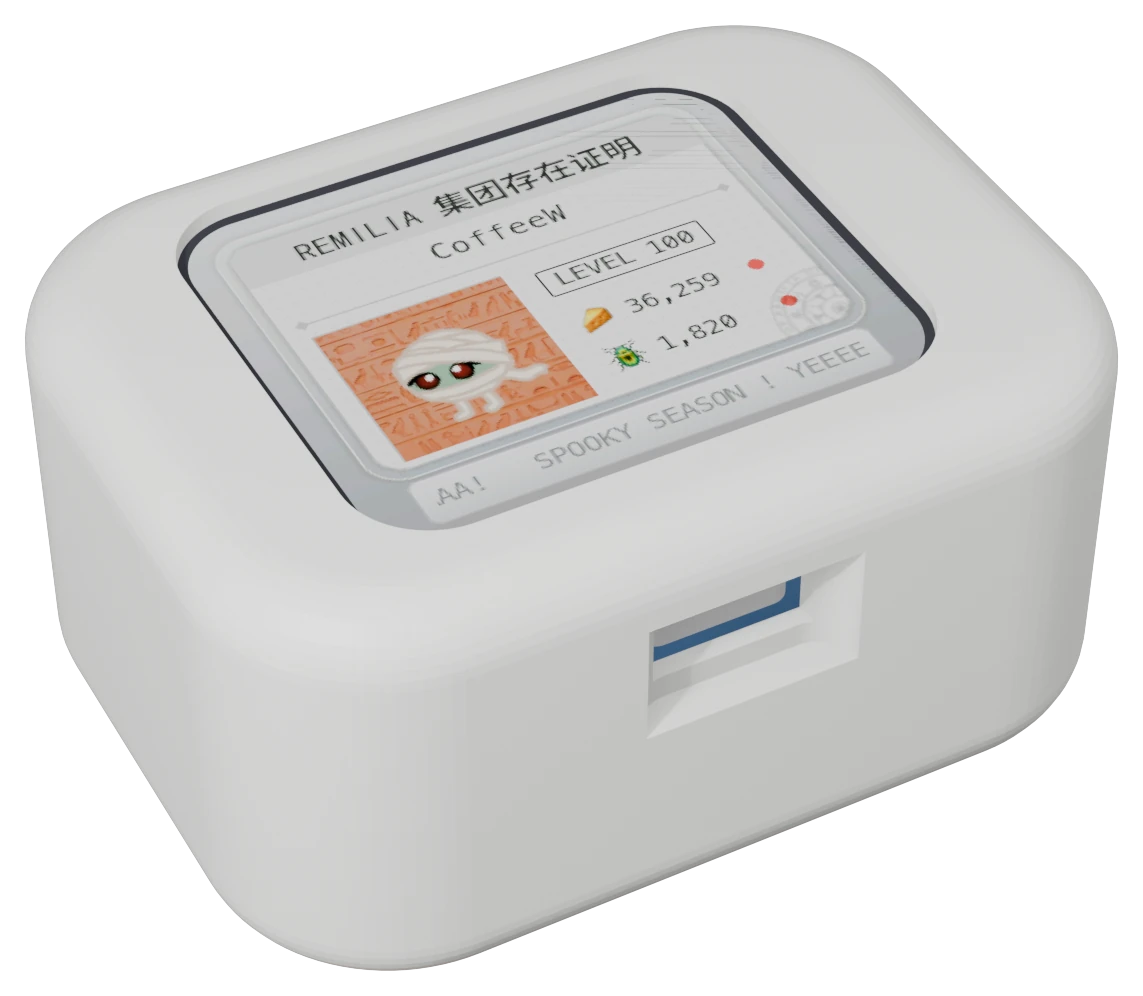
Materials#
| Part | What |
|---|---|
| Board | Waveshare ESP32-S3-Touch-LCD-1.69 |
| Battery | 603040 LiPo: 3.7 V, 800 mAh, with a protection circuit, MX1.25 plug |
| Case | Shell, divider and cover, 3D-printed |
| Optional | 4 WS2812B LEDs (see Optional extras) |
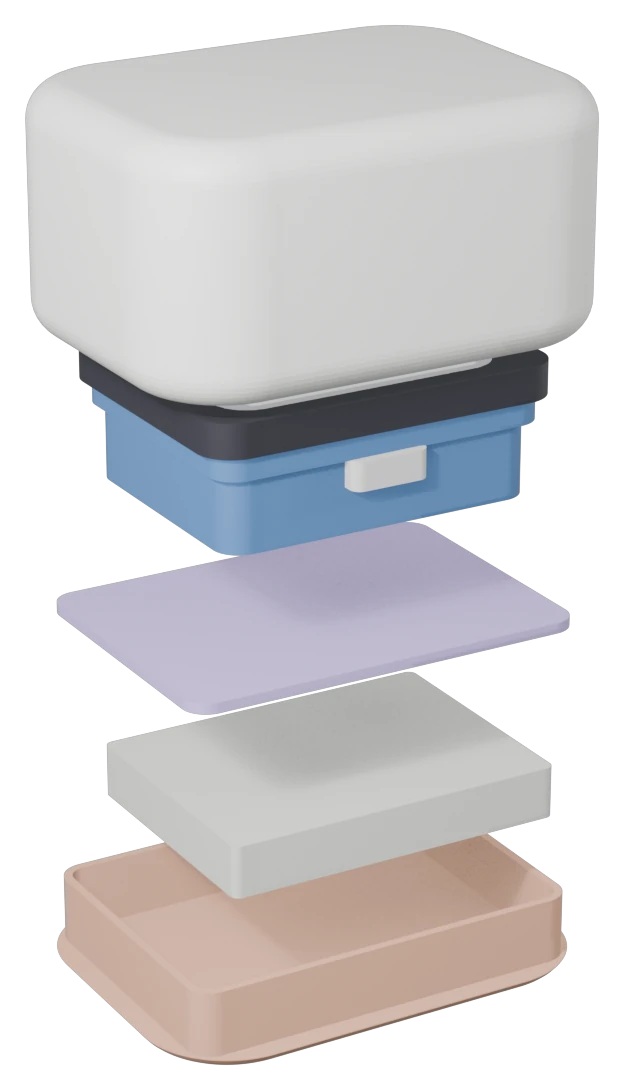
To assemble:
- Put the board face down into the shell, USB-C into its hole.
- Put the divider on top, its wire slot bottom-left.
- Put the battery into the cover's pocket, wires through the slot to the board's BAT connector (red = +).
- Press the cover into the shell.
The print files (STL, 3MF), the Blender scene and the case's measurements are in 3d_stuff/.
What's used#
| Part | Pins | Used for |
|---|---|---|
| Display (ST7789V2, SPI) | DC 4, CS 5, SCK 6, MOSI 7, RST 8, backlight 15 | The UI |
| Touch (CST816T, I2C 0x15) | SDA 11, SCL 10, RST 13, INT 14 | Taps and swipes, waking the screen |
| RTC (PCF85063, I2C 0x51) | shared I2C | Keeps the time while powered off; set from the internet when online |
| Buzzer | 42 | Sound effects (volume in Settings) |
| Battery voltage | 1 (VBAT / 3) | The battery percentage in the menu |
| Power key | SYS_EN 41, SYS_OUT 40 | On battery, the firmware holds SYS_EN high to stay powered |
The board also has a motion sensor (QMI8658). The firmware doesn't use it.
Optional extras#
LEDs. 4 WS2812B ("NeoPixel") LEDs, chained: power from 3V3 and GND, data on GPIO 18 (PIN_LEDS, LED_COUNT). They glow green while the screen is on and animate on events (a poke, a hunt or craft in progress, a result). Settings → LED turns them off or sets the glow's brightness.
At full white, 4 LEDs draw about 240 mA from the 3V3 line, which is a lot for the board's regulator. The effects stay in white, green and cyan, at full brightness only for a few seconds.
Flashing#
./run flash      # build and flash over USB-C
./run monitor    # serial log (opening the port restarts the board)
If flashing fails to connect: hold BOOT, tap RST, release BOOT, then retry.
Power#
- Screen off after the idle time set in Settings (default 60 s). Wi-Fi stays connected, so pokes still arrive (checked every 45 s instead of 15 s). A tap turns it back on. The LEDs go dark with the screen.
-
Sleep after a longer idle time (default 30 min): the chip light-sleeps with Wi-Fi off until the next cooldown ends, or a touch wakes it.
Waking from sleep by touch hasn't been confirmed on the board yet: keep the sleep time long.
-
The CPU stays at 240 MHz: switching its speed while Wi-Fi runs hangs the chip with this Arduino core.
Wi-Fi#
The transmit power is set to 13 dBm. At full power (20 dBm) this board's transmissions came out garbled and routers never answered; 13 dBm joins reliably.