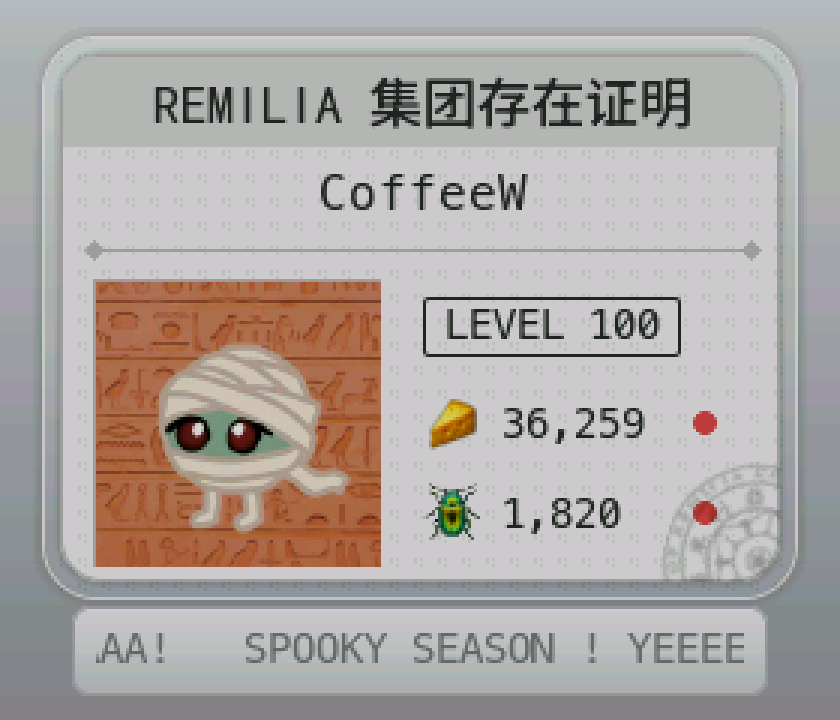
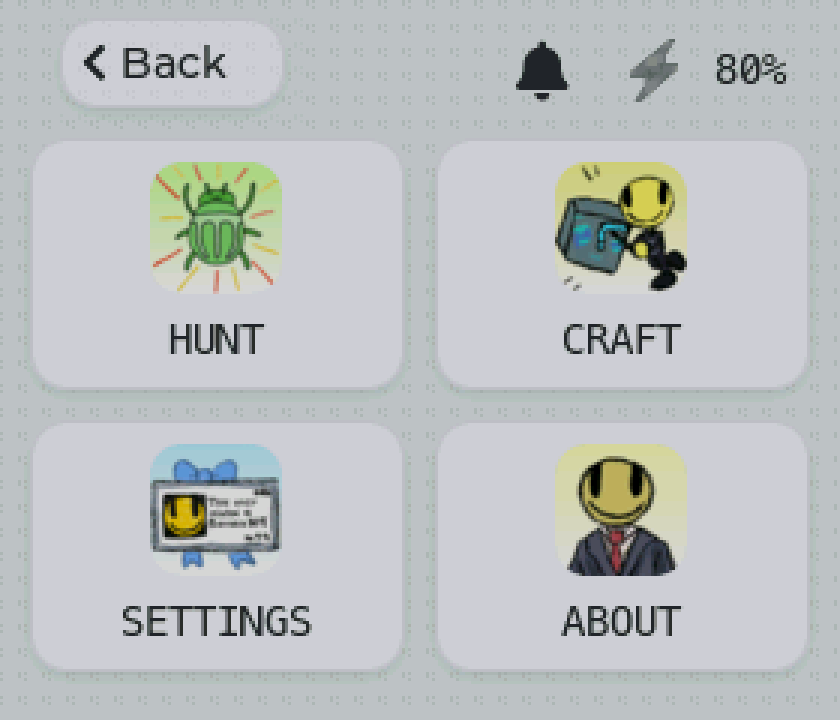
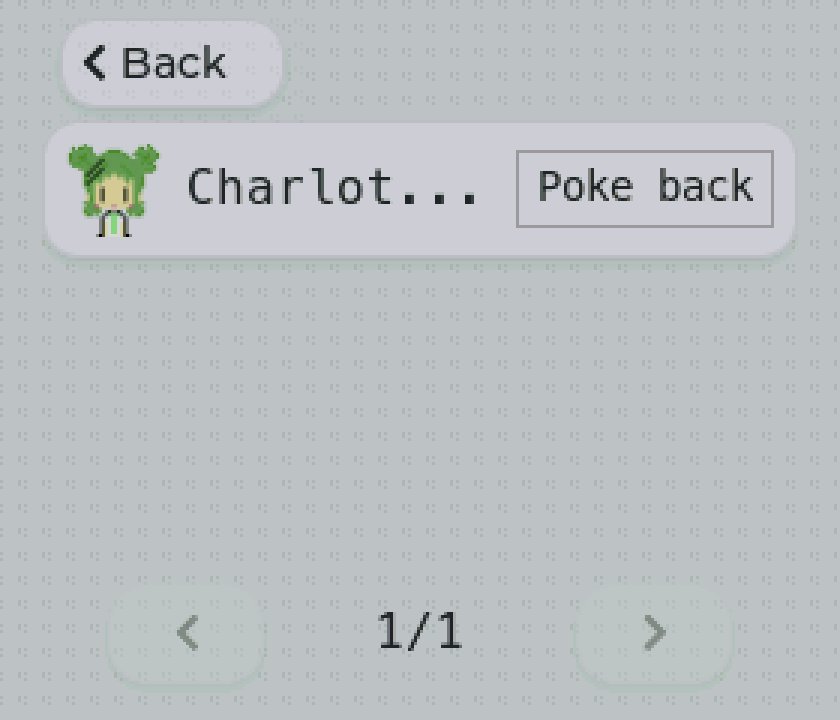
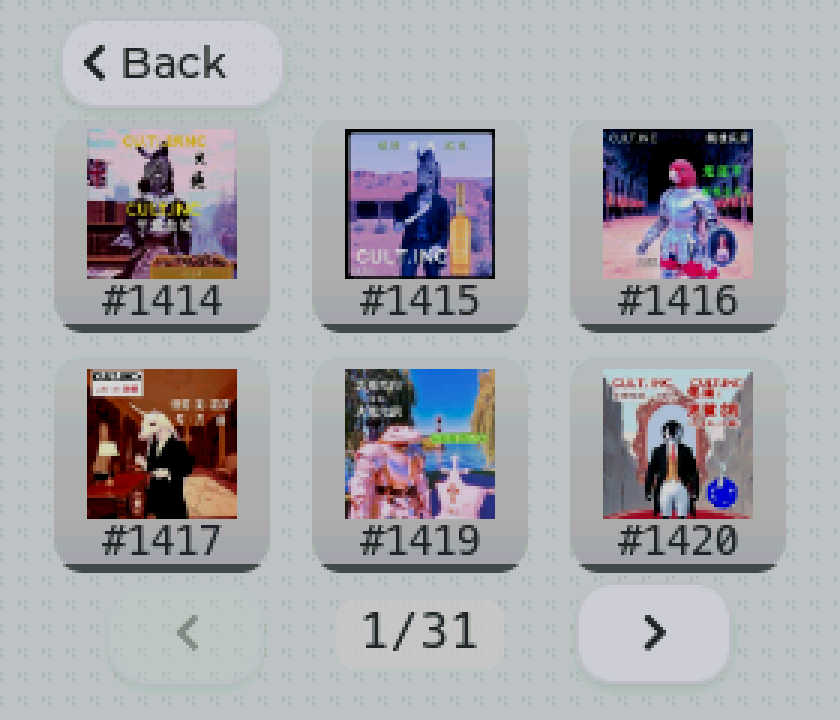
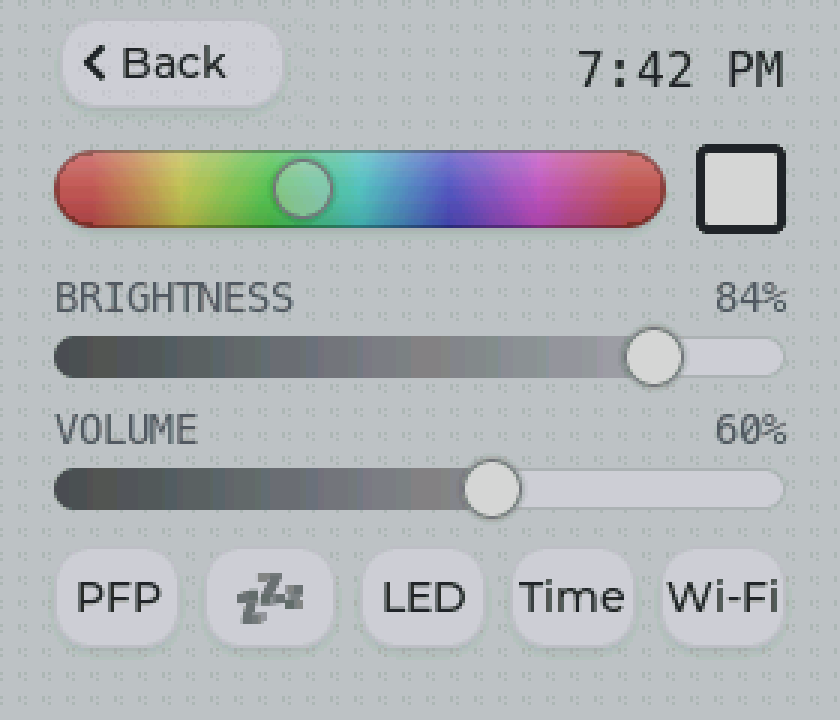
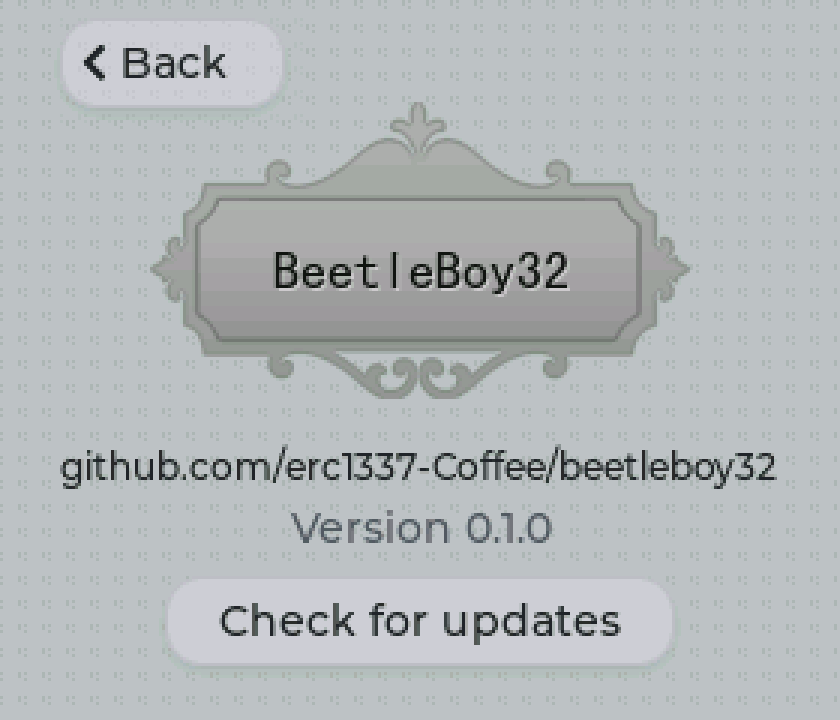
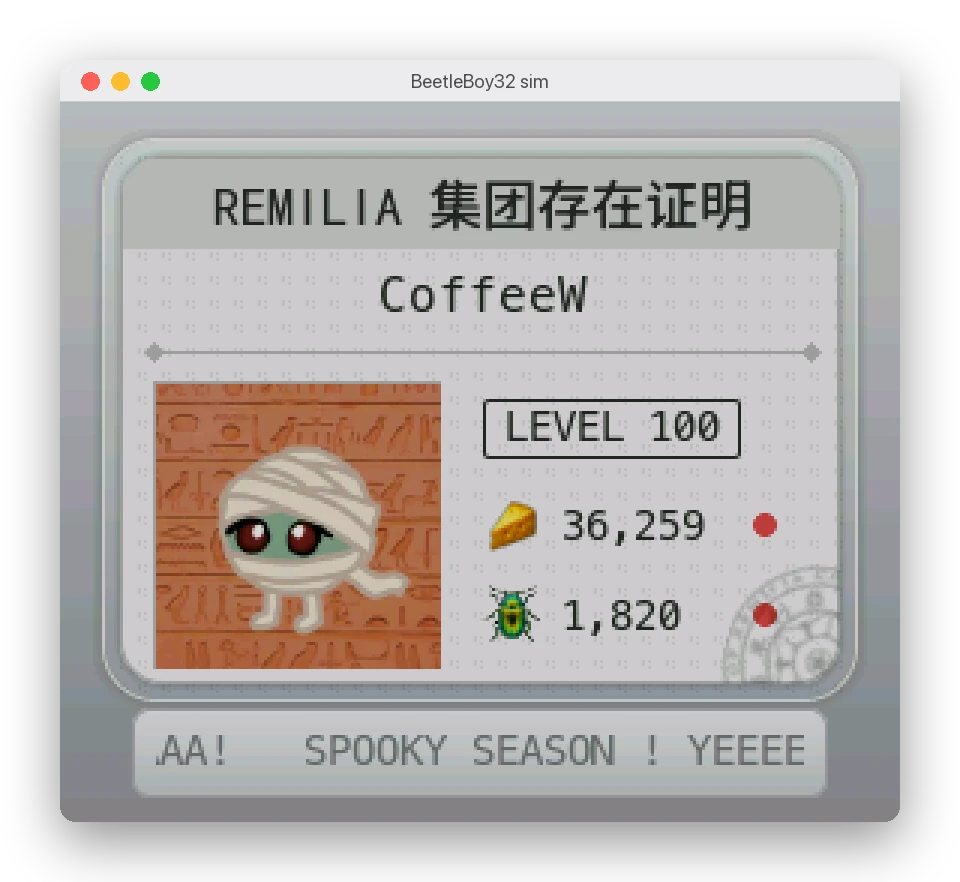
The simulator runs the whole app in a 280×240 window on a Mac: the same screens, setup flow and game logic as the board, against the real remilia.net. Only the hardware is faked (Wi-Fi, the buzzer, the LEDs).
Requirements#
- macOS (it uses CommonCrypto and macOS paths)
- PlatformIO
- SDL2:
brew install sdl2
Running#
./run sim
It builds what changed, then opens the window.
The device has no buttons: Esc, Enter and Tab stand in for some, for debugging.
| Input | Does |
|---|---|
| Mouse | Touch |
| Esc | Back (hold 3 s: factory reset) |
| Enter / Tab | Press the focused button / focus the next one |
| J | A phone joins or leaves the setup network |
| S / W | Submit setup without the form (good / wrong Wi-Fi password) |
| D | Drop or restore the Wi-Fi link |
Setup in the sim#
The setup page is the real one, served at http://localhost:8080 (this computer only: the form takes your account password). Open it in a browser; opening it counts as "phone joined".
- Wi-Fi is simulated: any password works except
wrong, which simulates a failed connection. - The account sign-in is real.
Saved data#
Everything the board keeps in its flash, the sim keeps in sim_data/beetleboy.env (plaintext KEY=value, ignored by git): Wi-Fi, the account's session cookies and refresh token, settings. Delete the file for a factory-fresh device.
Downloaded images (avatars, item icons) are cached in sim_data/cache/.
Environment variables#
| Variable | Does |
|---|---|
BB_HOUR=22 |
Fakes the hour, e.g. to preview the night background |
BB_SCREENSHOT=shot.bmp |
Saves the screen to that file, then exits |
BB_SCREENSHOT_MS=1500 |
How long to wait before the screenshot |
SDL_VIDEODRIVER=offscreen |
No window (with BB_SCREENSHOT, for scripts) |
Example: BB_HOUR=22 ./run sim.
Screens#